

Organize
Organice follows the structure already there. Its readable rules stay beside the folder, ready for the next run.
See how folder rules work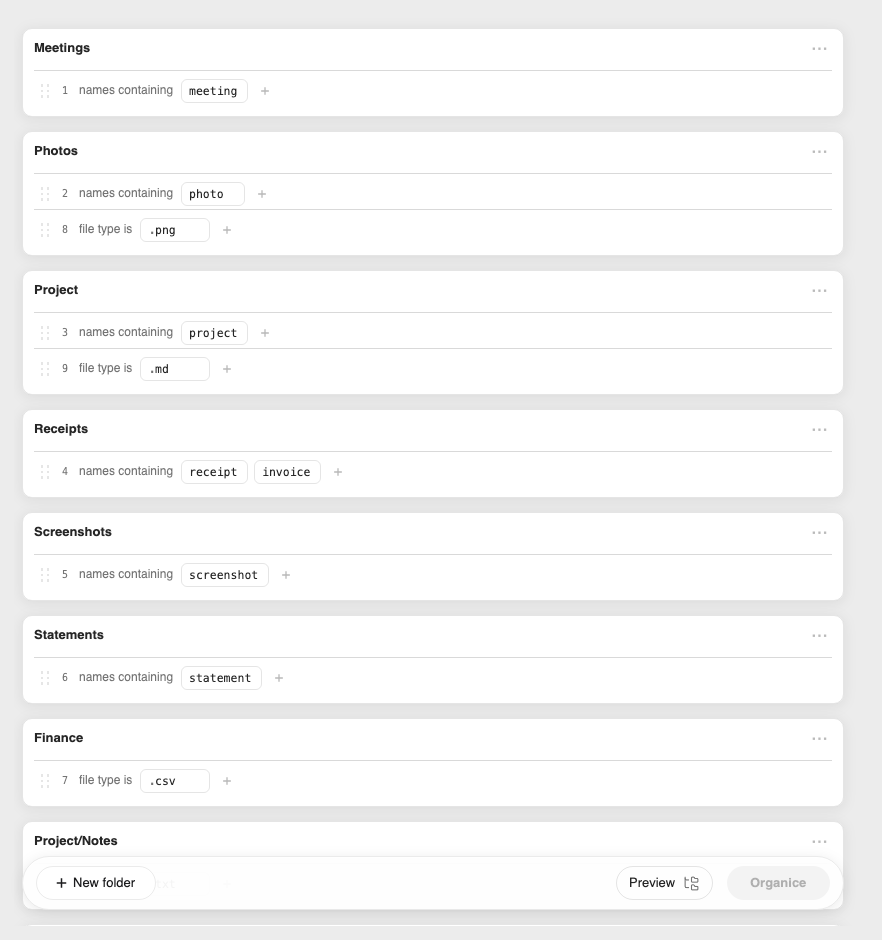
Organice helps you make the most of your files, and Finder too.
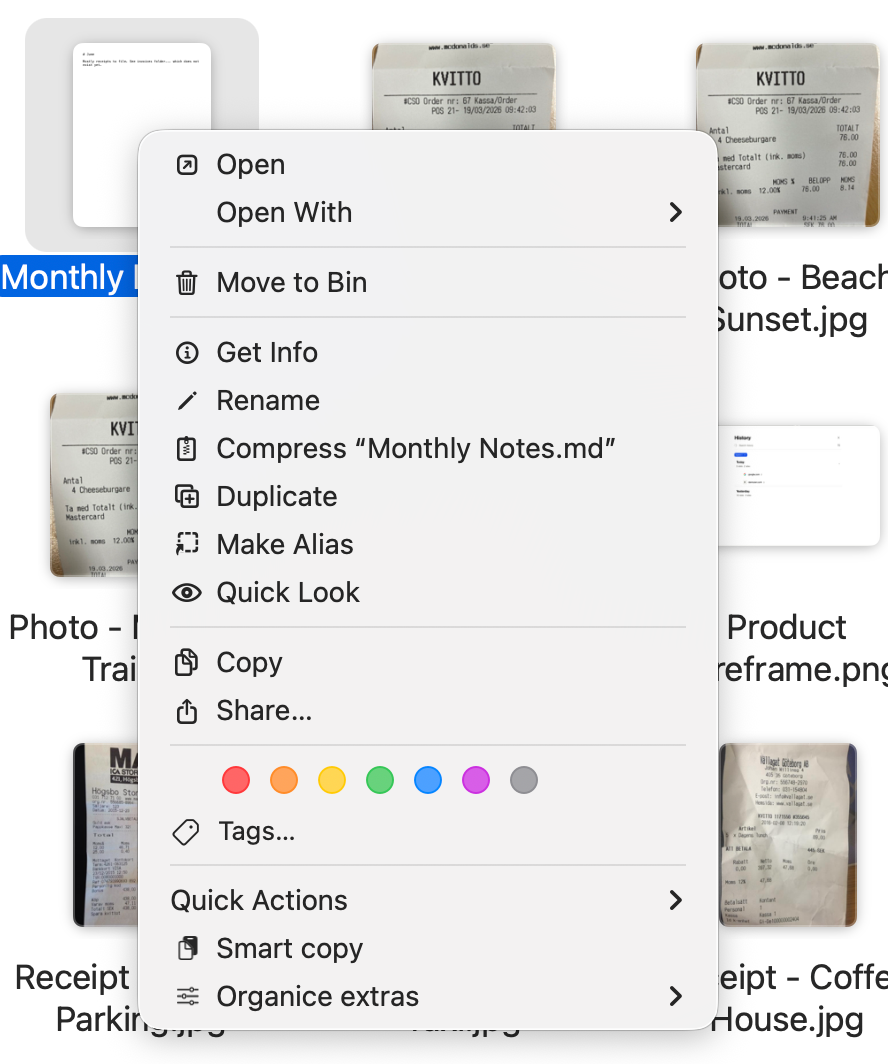
Copy text, rename a batch, check receipt arithmetic, and organize folders from Finder. Base runs on your Mac. Pro adds Auto mode, multi-file Smart Copy, and optional help from a model you configure.
This purchase is for Mac. See Organice for Windows.
A scan already has text. A receipt already has a total. A folder already has a pattern. Organice puts those facts to work in Finder.
Select a file and copy what is inside without opening it. With Pro, gather content from many documents at once. Paste it into Notes, Mail, or the assistant you already use. No file upload required.
# Document title
## First section
A paragraph stays a paragraph.
- Lists remain lists
- Ready to paste
Organice follows the structure already there. Its readable rules stay beside the folder, ready for the next run.
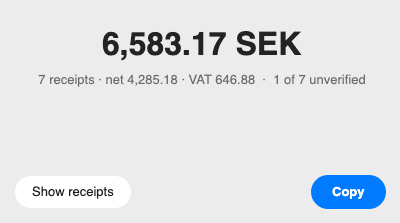
See how folder rules workOrganice checks the receipt’s own arithmetic before trusting the total. When the numbers disagree, the amount stays in the tally but is marked unproven.
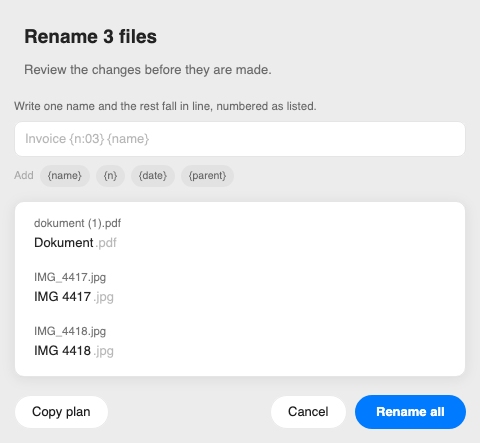
See what gets countedSelect the batch. Organice finds the shared pattern and proposes one naming scheme.
Review every name before anything changes. Extensions stay untouched.
See the complete rename workflowOrganice stays on your Mac by default. Pro can use a local model or a cloud provider only after you configure one. With a local model, nothing leaves your Mac. If it is offline, Organice stops instead of falling back to the cloud.
Read the plain-language privacy notesChoose Base or Pro. Both are one-time purchases, and Early Access saves $5.99 on either licence.
No. Organice works entirely on your Mac by default. Pro only adds model assistance when you connect the local or cloud model you choose.
Nothing changes until you start an action or enable Auto mode in Pro. Bulk rename previews every new name. Organize records every move, so the whole run can be undone in one step.
The files you already use: PDFs, scans, images, Word, PowerPoint, Apple iWork, OpenDocument text and spreadsheets, and plain text. How much structure carries over depends on the source.
Pro adds Auto mode, so trusted folder rules can handle new files for you, and Bulk Smart Copy, so you can gather content without opening every file. If you also want model assistance, connect the local or cloud model you choose.
No. Your licence is a signed key checked on your Mac. It has no activation limit or expiry, and it keeps working offline without an account or sign-in.
Paying customers receive maintenance updates for the edition they bought. Organice does not check for updates automatically, so new versions are delivered separately and installed when you choose. Refunded or disputed purchases stop receiving future updates; the version already downloaded remains usable.
During Early Access, Base is $9 and Pro is $19. At public release, the prices become $14.99 and $24.99. Both are one-time purchases, with no subscription.
Every release is signed with an Apple Developer ID and notarized by Apple. On the Verify page, you can check the published SHA-256 checksum, Team ID, signature, permissions, and network behavior yourself.