
Finder actions
Do the file work in Finder
Copy document text, rename batches, tally receipts, and organize folders from Finder. Organice Base works on your Mac without an AI account or cloud service.
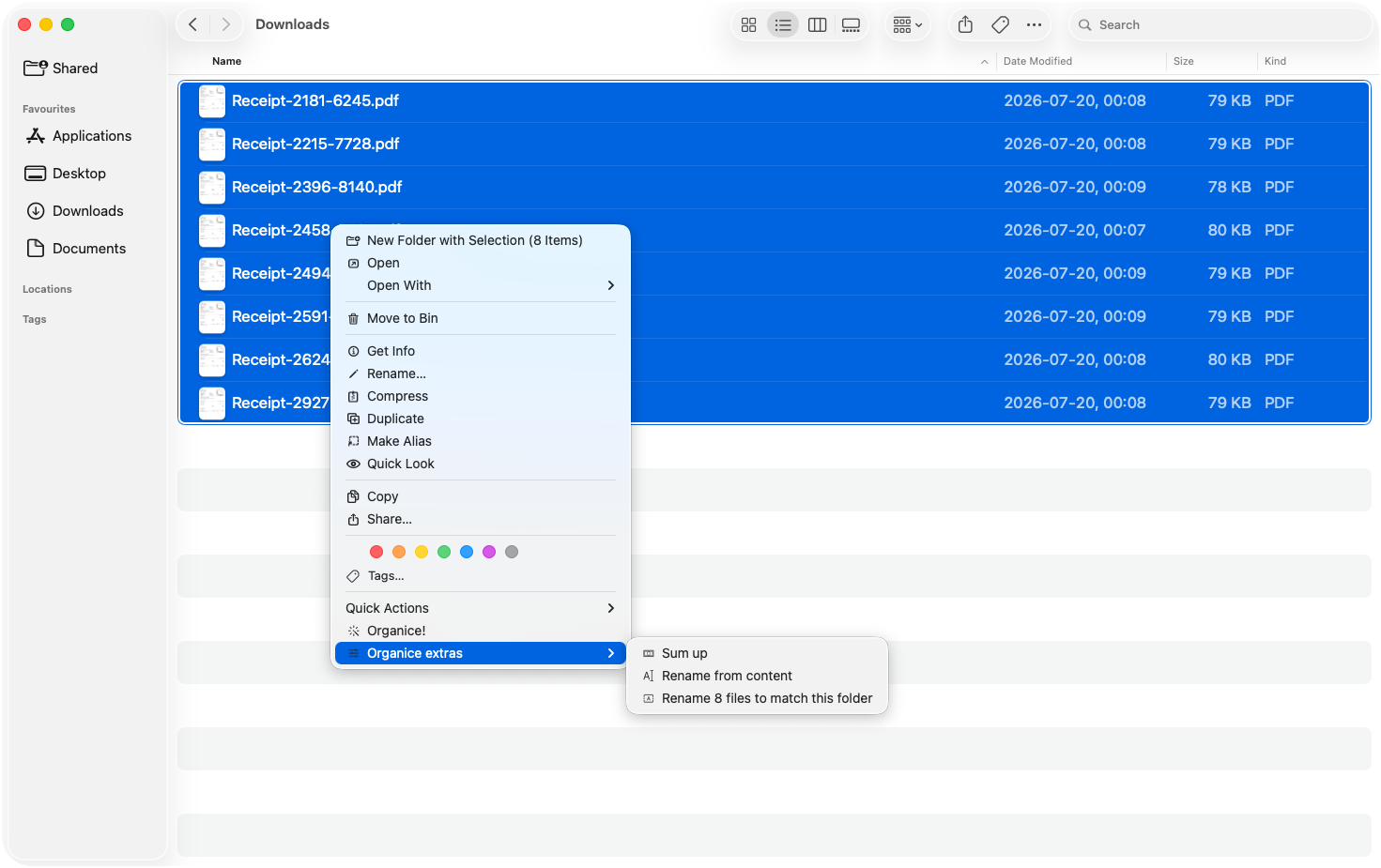
Start with the files
Select. Choose one action. Continue.
How it works
- Select
Choose one file, a batch, or a folder in Finder.
- Choose
Pick the single Organice action the selection needs.
- Continue
Paste, approve, read the result, or move on.
What stays clear
- You start it
- Nothing changes until you choose a target and an action.
- Base stays local
- No AI account or cloud service is required.
- Review or undo
- Preview names. Reverse an organize run in one step.
What Base includes
In Base, single-document Smart Copy, deterministic naming, receipt tally, folder rules, journals, and undo run on your Mac. Pro adds Auto mode, Smart Copy across many documents, and optional model assistance through a local or cloud provider you configure.
Organice is a universal app for Apple silicon and Intel Macs. It requires macOS 13 or later.
Base needs no account
The everyday tools work on your Mac, without an AI login or cloud service.
- On-device
- Single-document Smart Copy, tally, naming, folder rules, journals, and undo.
- Your control
- Review every rename and start every file operation yourself.
- Pro optional
- Connect your choice of model only when you want assistance.